Card printing finishes and file preparation guide
This guide explains holographic films, hot foil stamping, and print on demand to help creators prepare artwork and communicate effectively with independent print shops. Standard cards require 300 DPI files calibrated to 63.5 × 88.9 mm with dedicated finish masks and bleed margins. holoform provides free browser design tools and does not produce, sell, or fulfill physical card printing.
What the finishes actually look like
-
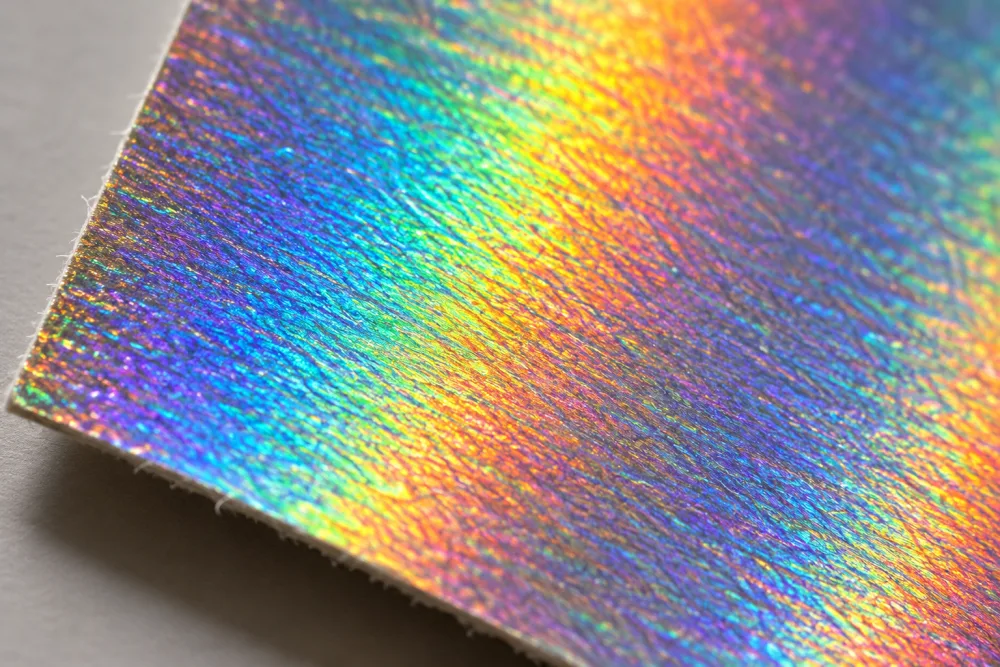 Holographic film Rainbow interference across a diagonal grain
-
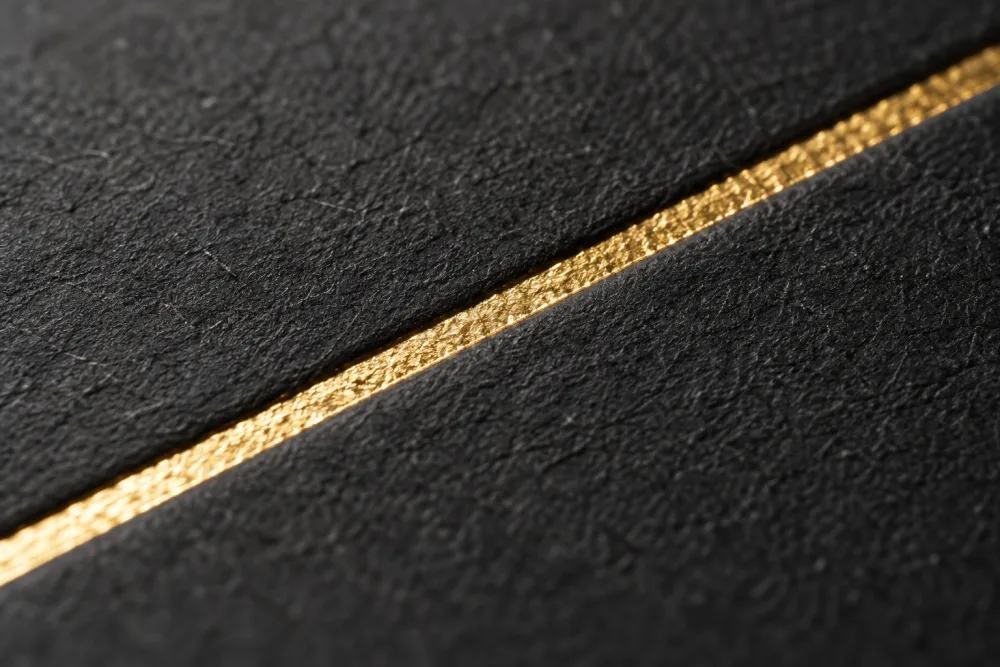 Hot foil Metal pressed into the sheet, slight deboss
-
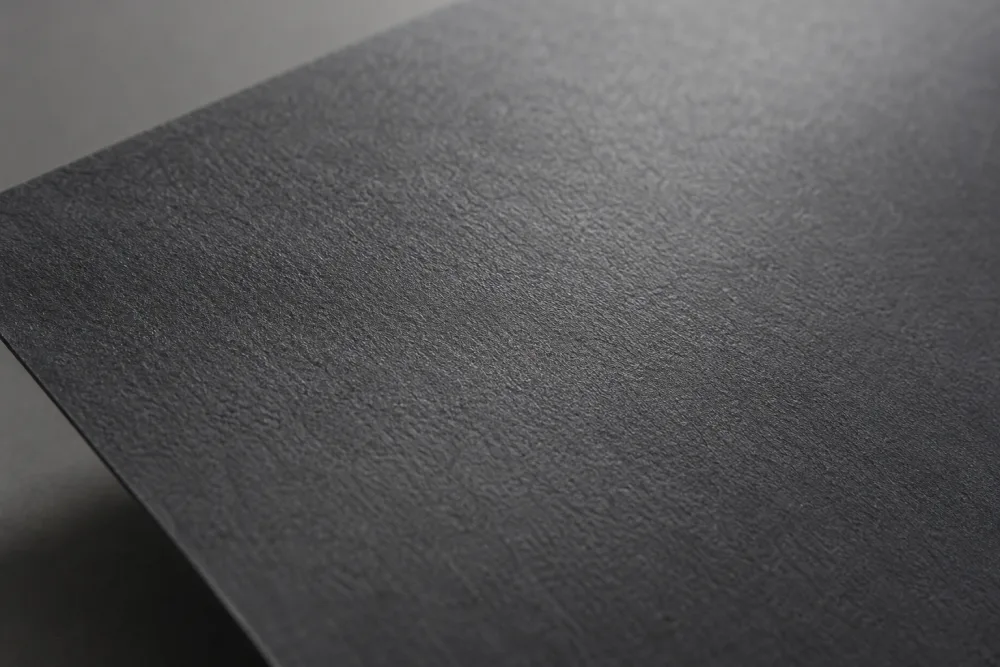 Soft-touch matte Fine velvet grain, no glare
Material close-ups under raking light — not photographs of finished cards. What a finish looks like depends on the artwork under it and the light in the room.
Three ways to print a card
Every print technique serves a distinct creative and logistical purpose across collectible trading cards and game decks. Holographic films provide diffractive colour shifts beneath the ink, hot foil stamping leaves metal transferred into the sheet from metallic film for crisp debossed details, and print on demand produces sets as customer demand arises so creators never hold unsold stock. Selecting the right method depends on whether your card design requires broad optical light movement, razor-sharp metallic accents, or minimal upfront inventory risk.
| Method | Best for | When it is not cost-effective |
|---|---|---|
| Holographic film | Full-art backgrounds, collector cards, and dynamic diffractive patterns | Dense text-heavy rules or artwork requiring exact subtle pastel fidelity |
| Foil stamping | Crisp metallic titles, logos, emblems, and framed card borders | Complex multi-colour gradients or fine photographic detail |
| Print on demand | Small editions, creator sales, and testing new game releases without inventory | High-volume game decks where unit cost must be minimised through large runs |
Proof before production
Commercial production at an independent print shop typically begins only after you inspect and approve a proof. Your print shop generates a digital proof compositing your submitted artwork with chosen finish masks to verify trim alignment, layer positioning, text legibility, and window cutouts. This verification review ensures that white ink foundations, unprinted foil windows, and holographic reveals align accurately with your foreground subjects before your print shop prepares physical plates or dies for press.
Digital proofs show positioning and colour direction, but they cannot simulate ambient light diffraction, tactile foil impression, or physical cardstock heft. For commercial releases or precise colour matching against existing card sets, you can request a tangible sample sheet directly from your printer; holoform provides browser design tools and does not provide digital proofs or physical card samples. Visit our printing overview to learn how independent print shops transition verified file configurations from approved proofs directly into finished press runs.
Files, sizes and finishes
Preparing artwork correctly prevents delays and costly plate remakes on press. Standard collectible cards measure 63.5 × 88.9 mm at final trim, which translates to 750 × 1050 pixels at 300 DPI. Our trading card size guide details pixel dimensions across different production resolutions, while our print-ready file guide explains how extra bleed margins absorb mechanical shifting to prevent unprinted slivers along cut edges.
Every file should maintain a single colour space and keep essential text at least 4 millimetres inside the trim line. If your card features specialty finishes, deliver the foil stamp or holographic mask as a dedicated solid shape on a separate named layer rather than flattening it into the background. Exported files from holoform provide design materials rather than press-ready color separations, which your independent print shop finalizes for press. You can download trim-sized blank canvases from our card templates; add bleed and safe margins in your editor to start the design at exact dimensions.
File checklist before you contact a print shop
- Trim: 63.5 × 88.9 mm for a standard card.
- Bleed: 3 mm on all four sides.
- Safe area: keep text, logos and focal elements at least 4 mm inside the trim.
- Resolution: 300 DPI at final trim.
- Colour: one colour space per file; let the printer convert if unsure.
- Finish mask: a separate named layer for the holo window or foil die.
- Scale: export at 100%, never "fit to page".
The print-ready file guide covers the export workflow; the trading card size guide converts the same trim into pixels at other resolutions.
FAQ
Can I combine foil stamping and holographic effects on the same card?
Yes. Many independent print shops can apply hot foil stamping over a holographic background, provided each specialty effect is supplied on its own separate layer in your design file.
What should I inspect when reviewing a digital proof from a print shop?
Check that all text sits inside the safe margins, background art extends to the bleed edge, and specialty finish masks align precisely with your foreground artwork before approving production with your printer.
Why do print-ready card files need extra bleed area beyond the trim?
Bleed provides extra background artwork past the cut line, preventing unprinted white paper slivers if the mechanical cutting blade shifts slightly during trimming at the print shop.